
DishDelightful
How it works
From figuring out what to cook to getting dinner on the table, DishDelightful keeps everything connected.
Get the app


Prefer a link? Open the download page
Step 1
Set your cooking preferences
Tell DishDelightful about your diet, allergies, cuisines you enjoy, and ingredients you prefer to avoid.
Always review ingredients carefully.
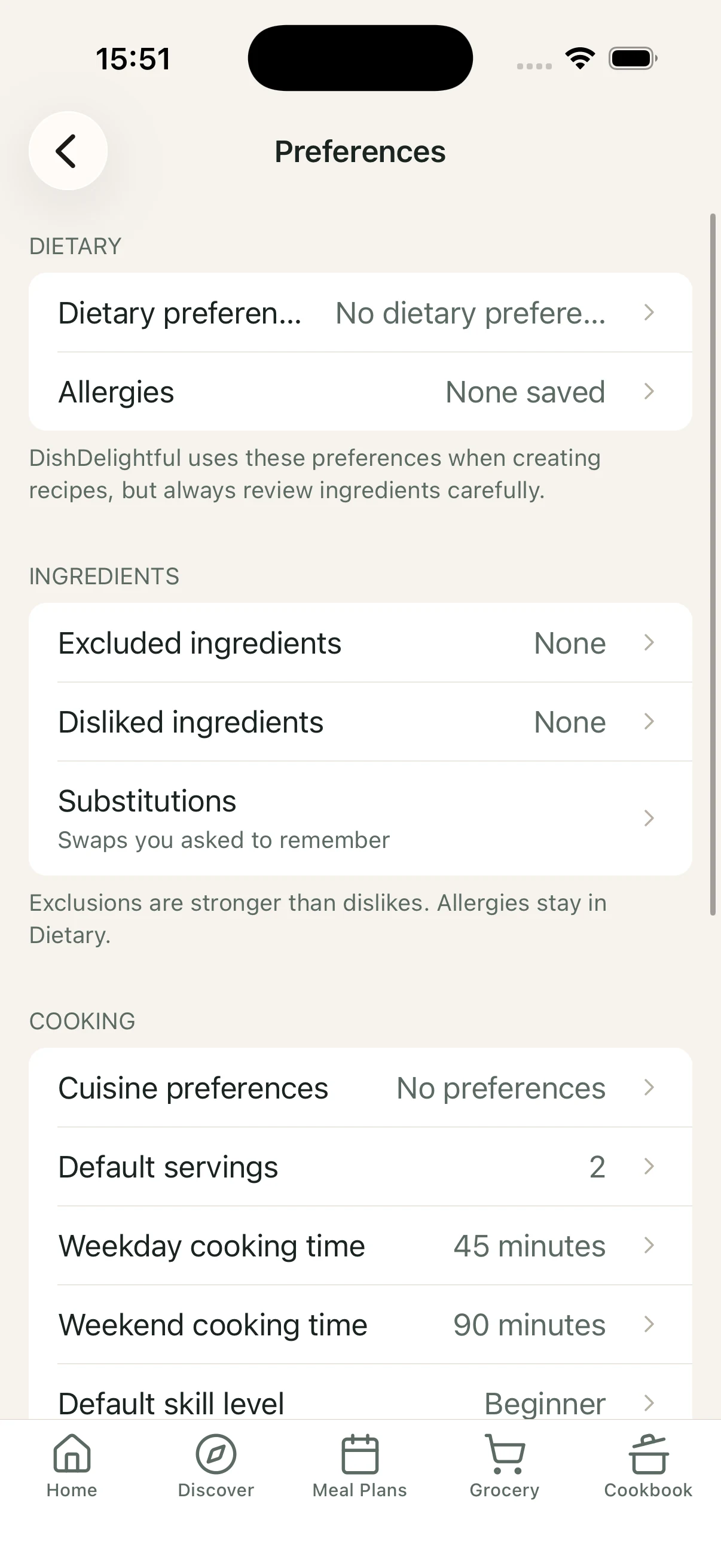
DishDelightful Preferences screen for dietary needs, cuisines, and ingredient choices. Step 2
Discover or create meals
Browse reviewed recipes, create something new with Dishi, or bring recipes into your personal Cookbook.
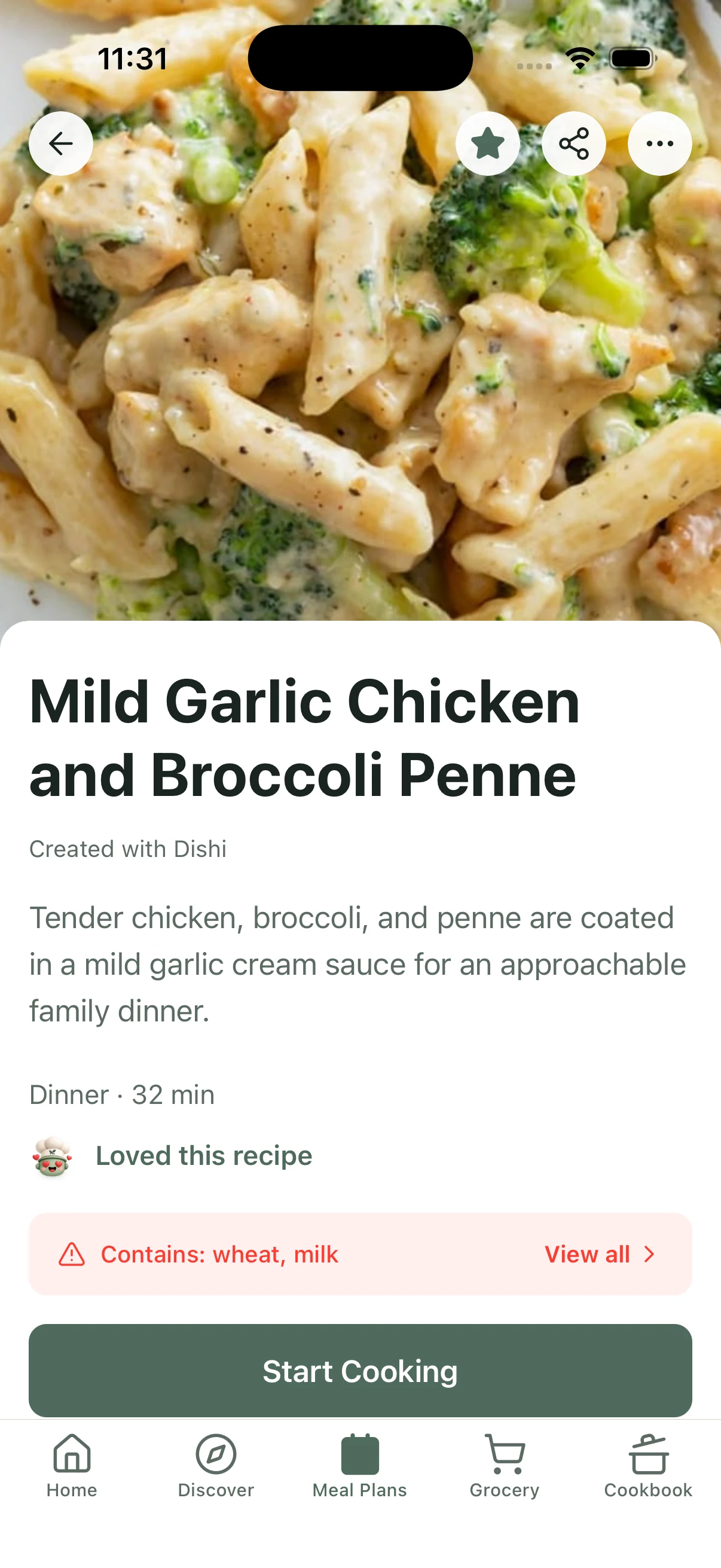
Recipe page for Carrot and Lentil Salad with Poached Eggs, with a large food photo, taste notes, allergens, and a Start Making button. Step 3
Plan your week
Build a flexible week of meals, move things around, and keep dinner organized as plans change. Leftovers and grocery stay connected to the same plan.
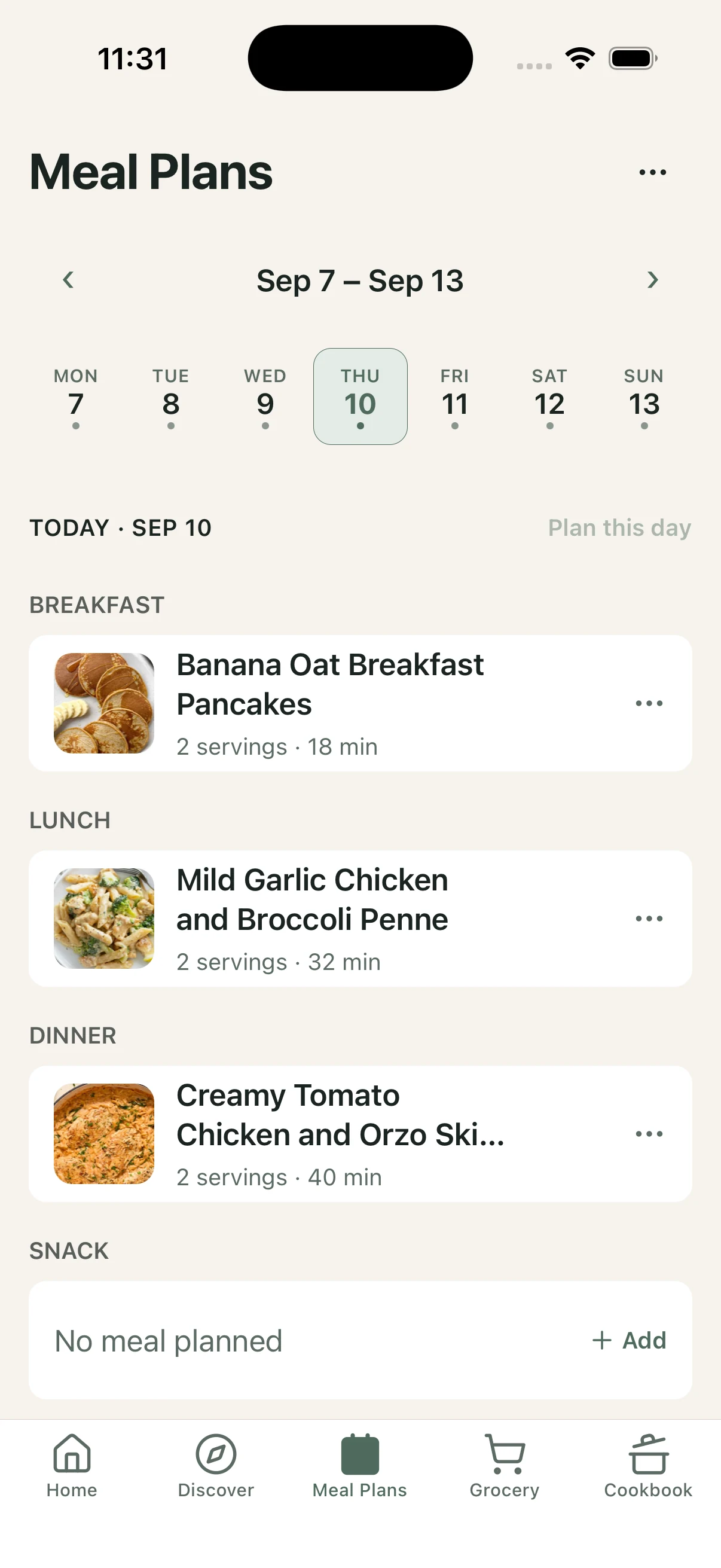
DishDelightful weekly Meal Plan with meals scheduled across the week. Step 4
Shop with your grocery list
Turn your planned meals into one consolidated shopping list, so ingredients stay organized for the week.
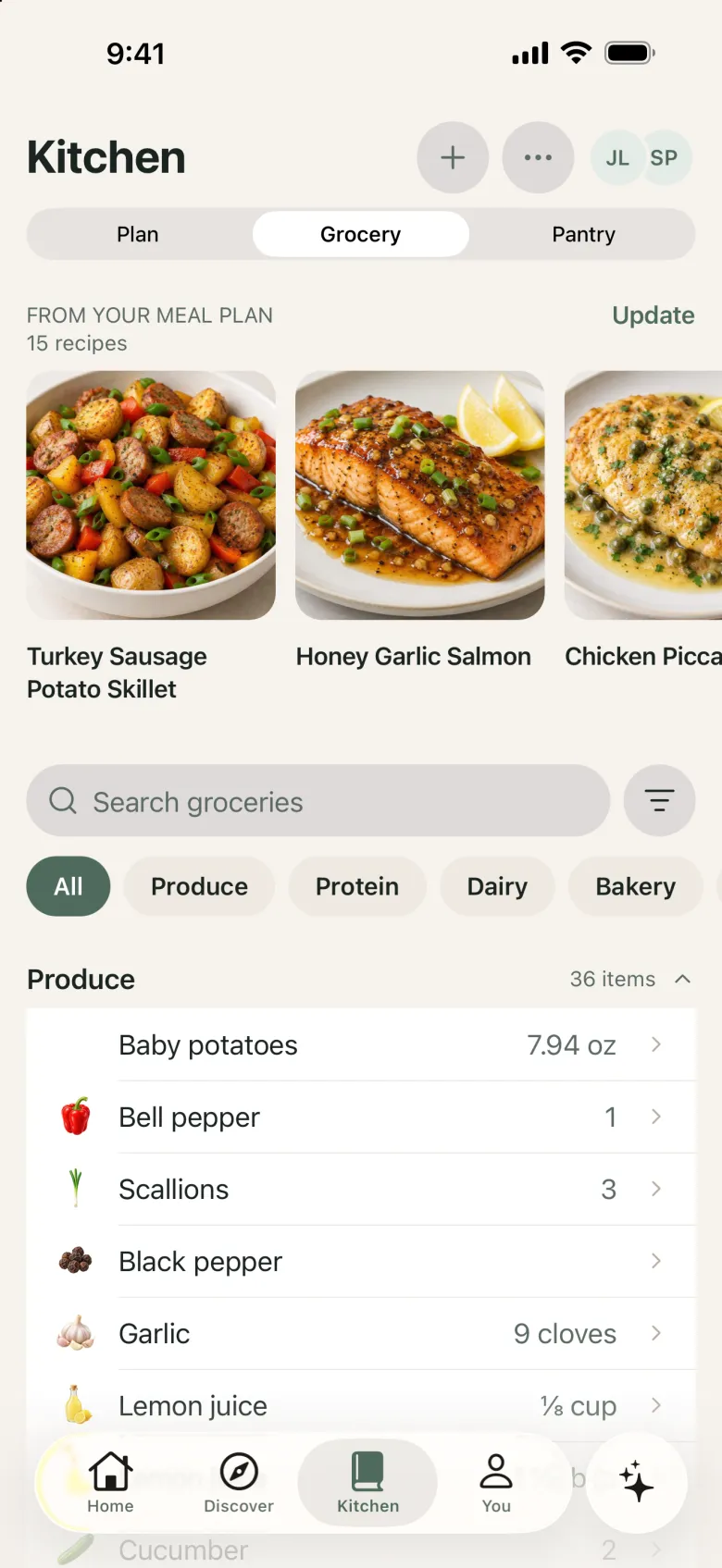
Kitchen Grocery tab showing recipes from the meal plan and a shopping list grouped by aisle. Step 5
Cook step by step with Dishi
Follow one clear step at a time, use timers and ingredient amounts, and ask Dishi when you need help — including Photo Cooking Rescue if the pan does not look right.
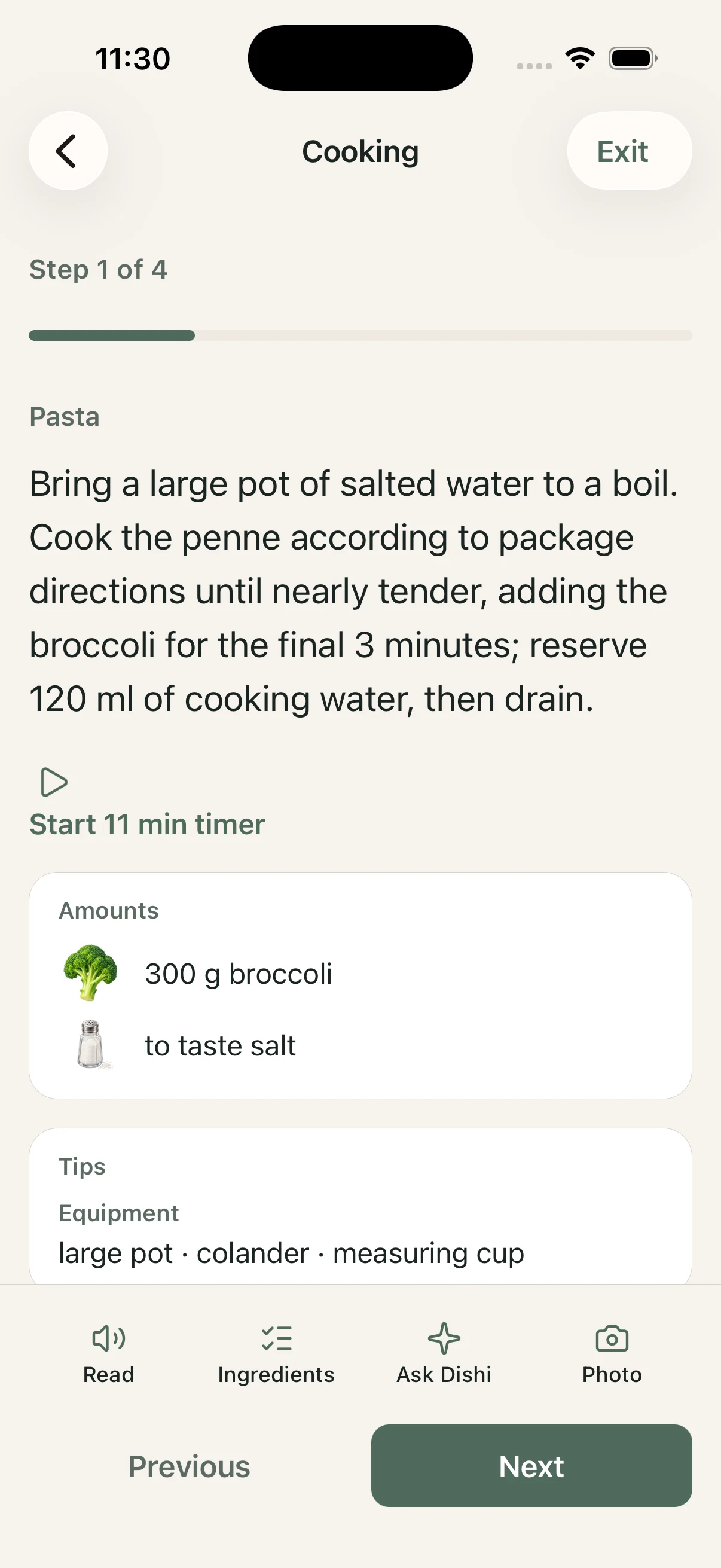
Guided Cooking screen showing a recipe step, timer, ingredient amounts, and Dishi help actions.